Skip to content
  • There are no suggestions because the search field is empty.

How to Create an Extra User for Your Business Account

Follow the steps below to create an Extra User for your Business account. Extra Users can be internal colleagues or external partners who need access to your data or specific features. These users are not Agency accounts, but individual users (for example, people working within an agency).

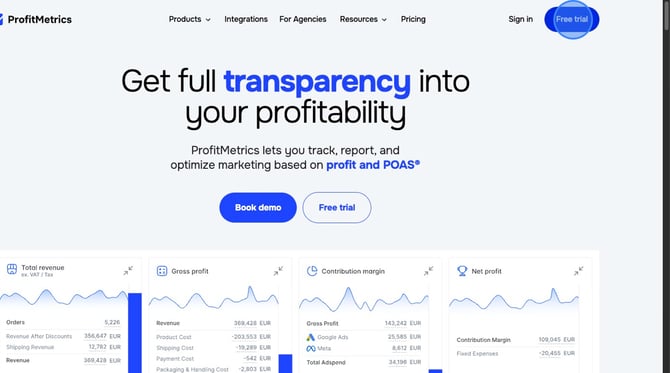
  1. Navigate to https://profitmetrics.io
  2. Click "Free trial"
    1-Dec-19-2025-12-57-52-7364-PM
  3. Click "Extra User"
    2-Dec-19-2025-12-59-45-4528-PM
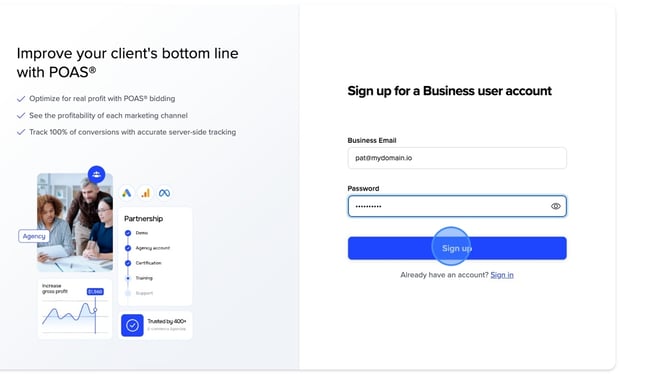
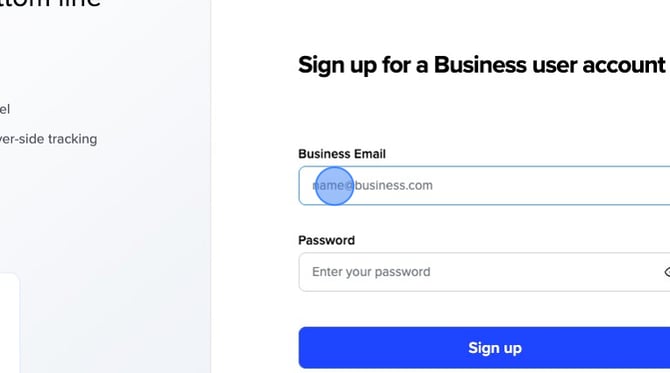
  4. Fill out your "Business Email" and desired "Password"

    Please note:
    We don't accept free emails. Please use your company email address.

    For example: Pat@mydomain.com
    4-Dec-19-2025-01-01-35-0745-PM


  5. Click "Sign up"
    5-Dec-19-2025-01-02-21-5864-PM

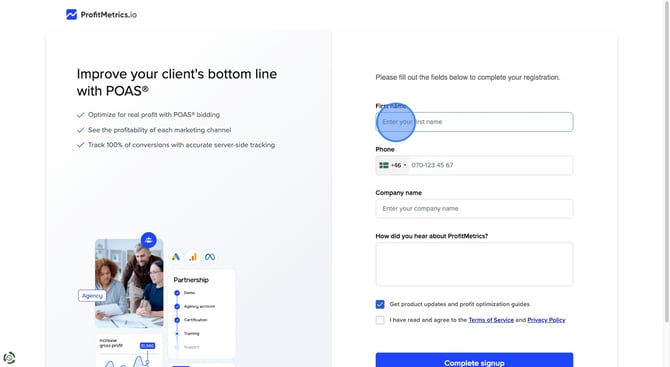
  6. Fill out your First namePhoneCompany name, and how you heard about Profitmetrics.
    7-3

  7. Accept the Terms of Service and Privacy Policy and click "Complete signup"
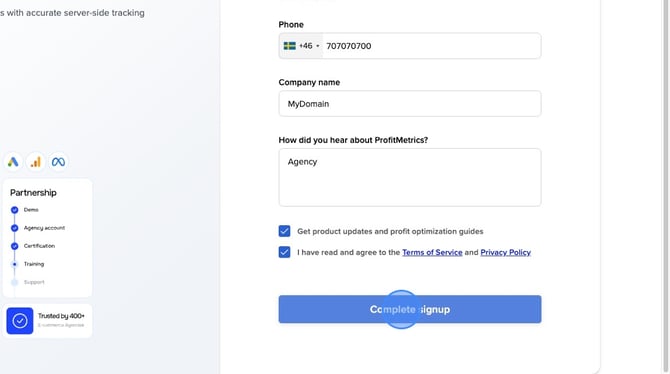
    6-Dec-19-2025-01-08-08-6400-PM

Relevant help articles: