
Part 1: Create an E-Commerce Account
Part 2: Add your first website
Part 1: Create a E-commerce Account
-
Navigate to https://profitmetrics.io and click 'Free trial' at the top right
.png?width=670&height=373&name=Profitmetrics%20Workflow%20-%20Step%201%20(2).png)
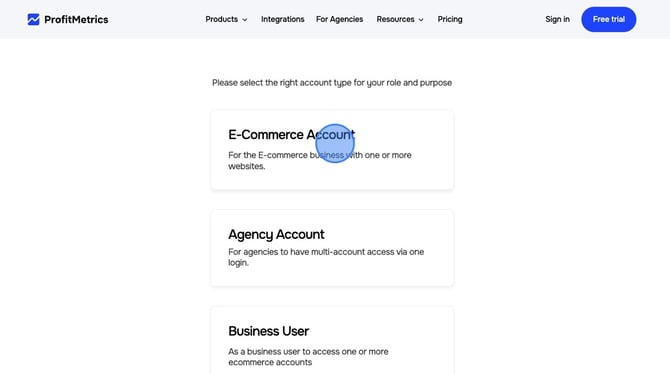
- Click E-Commerce Account
- Fill out the form with your Company email . Then click "Continue".
Note:Please use client's email-do not use agnecy email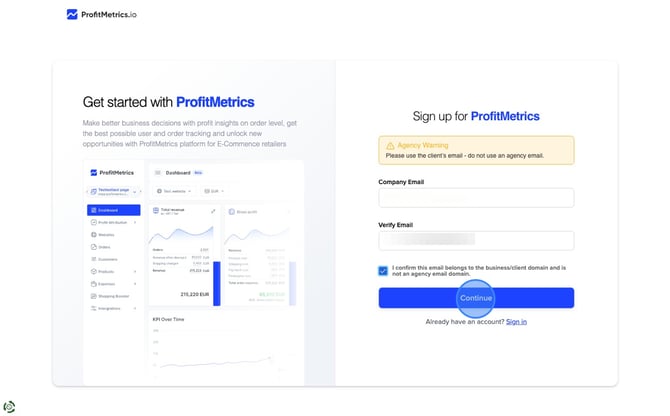
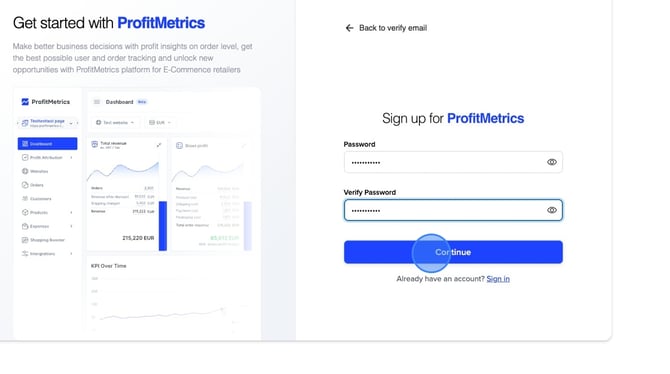
- Choose a secure password. Then click "Continue".
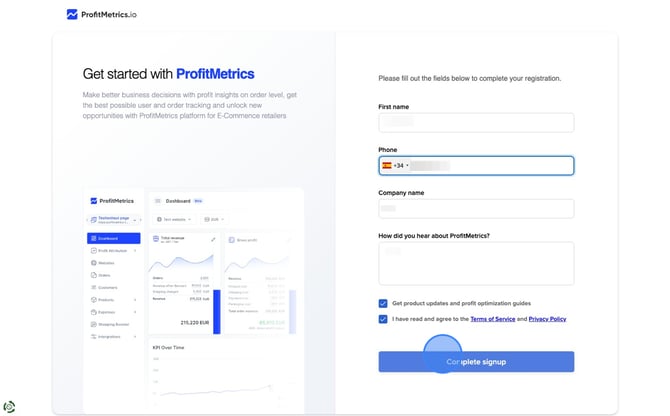
- Fill out the next form with "First name", "Phone", "Company name", "How did you hear about ProfitMetrics?" and click "Complete signup".
Part 2: Add your first website
- Click "Add website" in the top right corner.
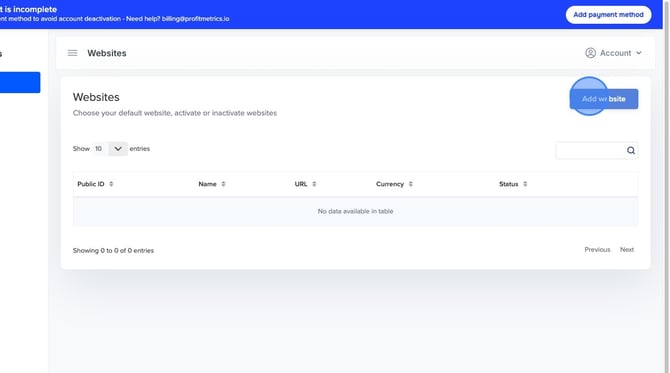
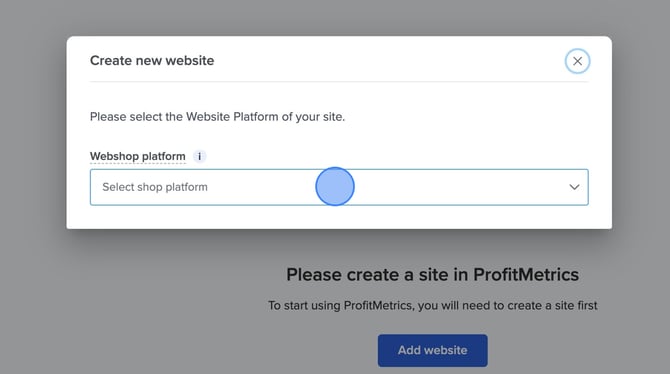
- Click "Select shop platform" and select your e-commerce platform for the dropdown. If your platform does not appear on the list, please select "Other". If you have a custom build solution, please select "Custom".
- Fill out "Shop name", "Shop URL", and "Shop Currency" > Click "Create website".
NOTE: Select the currency in which you want your reporting and costs. Everything is then handled automatically.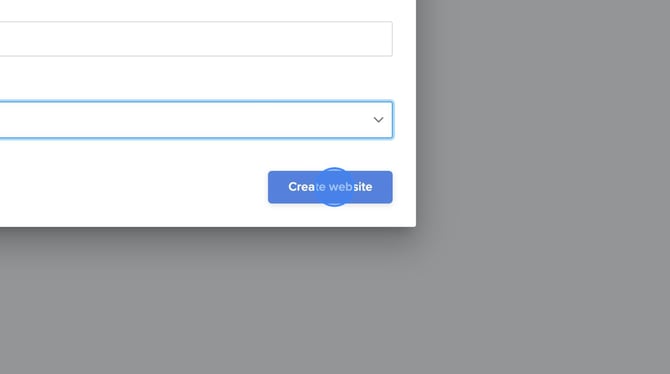
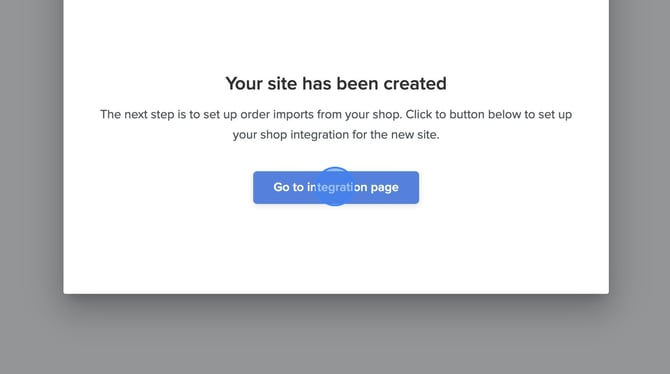
- Click "Go to integration page" and follow the instructions for your platform.
- Done ✅