
Please note, if you wish to give access to an agency, they will need to follow the separate guide here to create an agency account.
STOP: If you are creating a new account with ProfitMetrics that you want to add websites to, you want the 'E-Commerce' account type. You want the 'Business' user ONLY if the website already exists in ProfitMetrics and you want to be given access to it
- Click here to create an additional Business User account
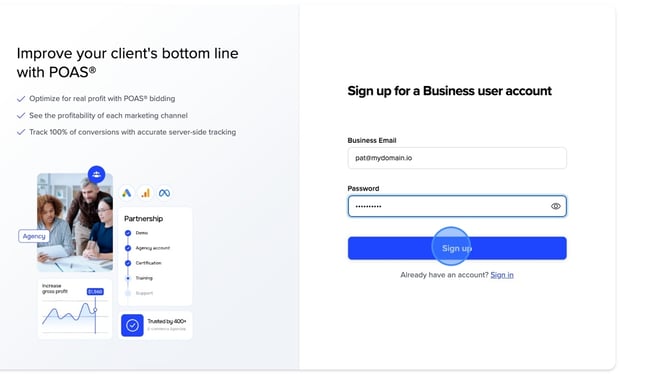
- Fill out your "Business Email" and desired "Password"
Please note: We don't accept free emails. Please use your company email address.
For example: name@mydomain.com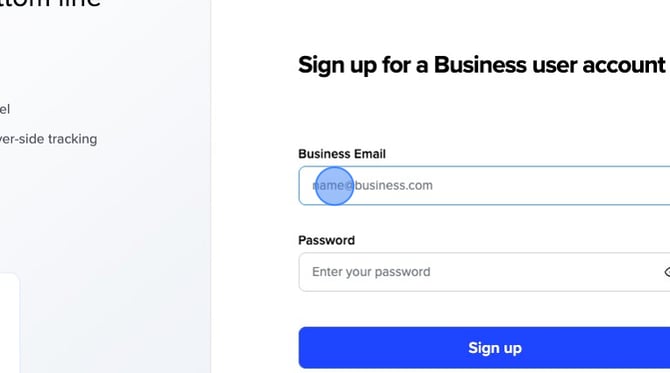
- Click "Sign up"
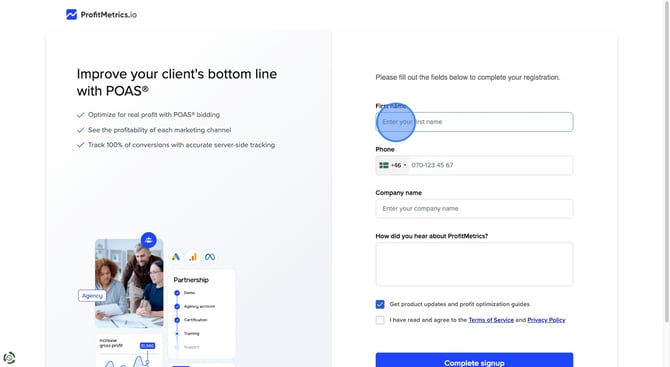
- Fill out your First name, Phone, Company name, and how you heard about Profitmetrics.
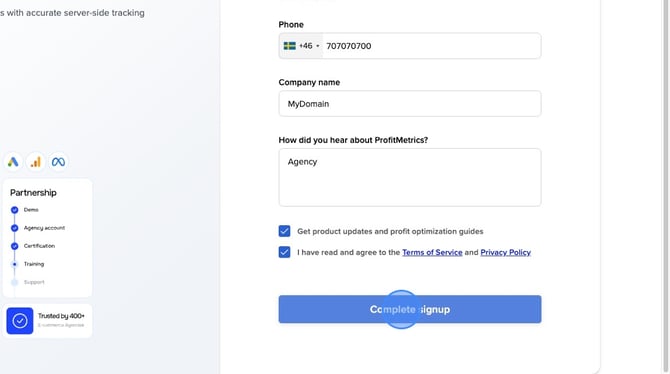
- Accept the Terms of Service and Privacy Policy and click "Complete signup"
Relevant help articles: